
Google Business Profile Guide for Hospitality Venues
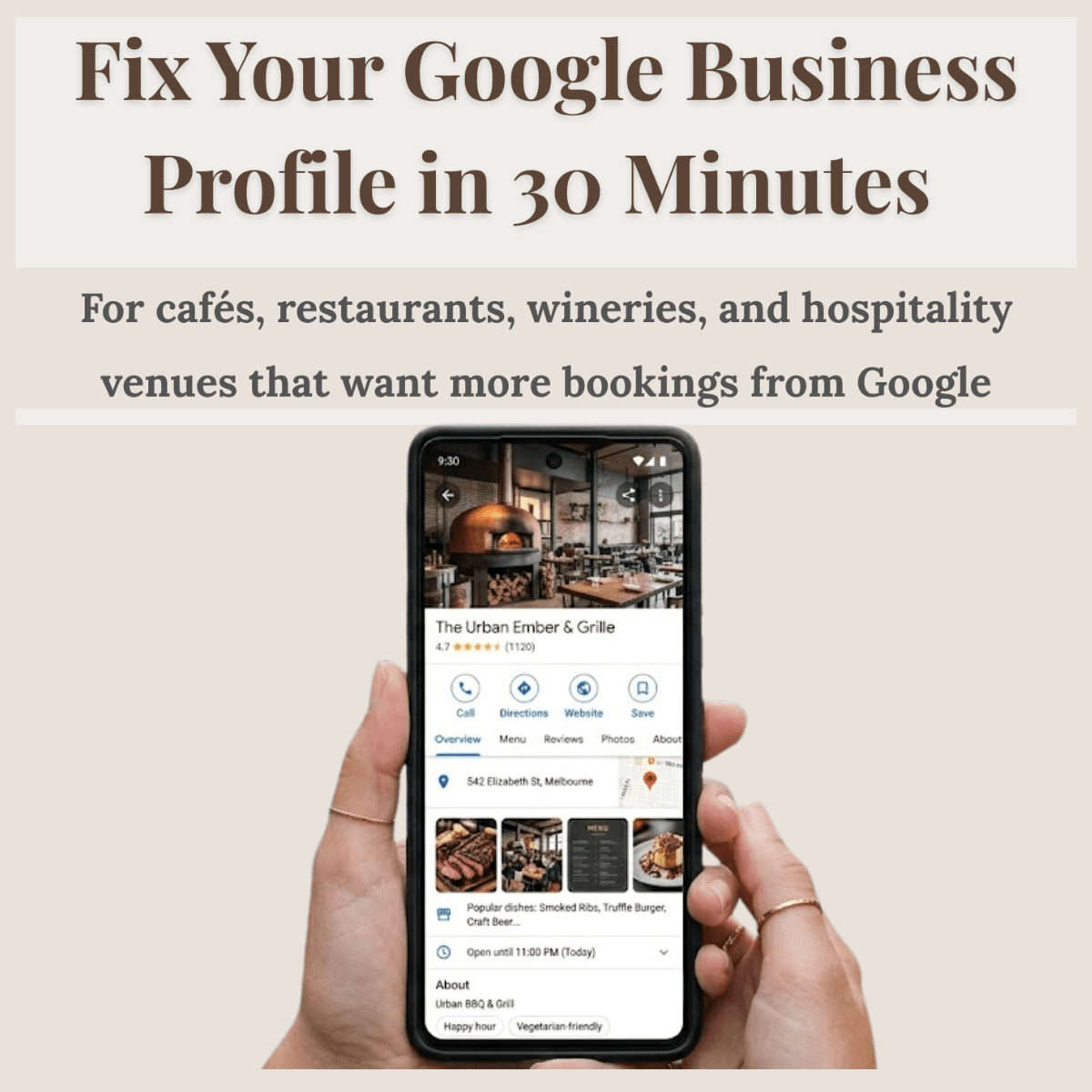
Fix Your Google Business Profile in 30 Minutes
Six practical fixes that help your café, restaurant, or winery show up, get clicked, and convert guests from Google.
Cafés
Restaurants
Wineries
Hospitality Venues
Instant download · PDF · No technical knowledge needed
This guide is based on the same approach I use when reviewing Google Business Profiles for hospitality venues across Victoria. You can learn more about my work here:
→ Veronika Presence – Google Business Profile Support for Hospitality
Why this exists
What Guests Notice First on Google Maps
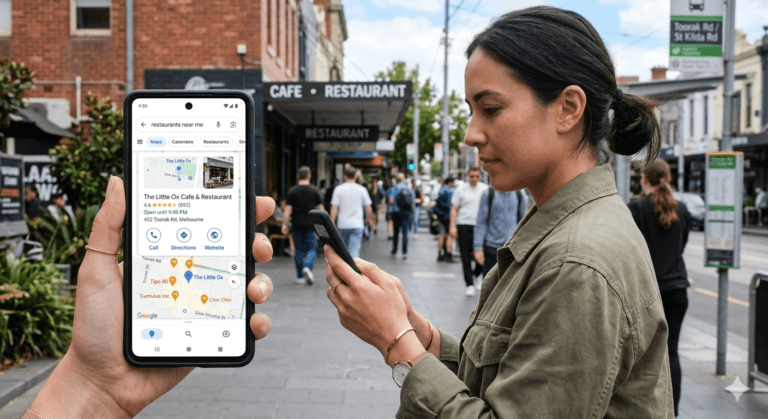
Right now, guests are searching for venues like yours on Google Maps. They compare three or four options in under 30 seconds.
Photos, rating, hours, name. If your profile looks incomplete, outdated, or unclear — they move on. They don’t tell you. They just choose someone else.
Most venue owners set up their Google Business Profile once and never look at it again. Six small fixes change what guests see — and what they do next.
What’s inside
Six Fixes That Change How Guests Choose Your Venue
Each section takes five minutes. Each one covers something guests actually look at when they’re deciding where to go.
0–5 min
First Impression Check
What guests see before they click — and whether it makes them stay or leave.
5–10 min
Basic Info
Name, phone, hours, address, website. One wrong field costs you bookings daily.
10–15 min
Photos
What to remove, what to add, and which photo guests react to first.
15–20 min
Your Description
A simple rewrite that tells guests exactly why to choose you.
20–25 min
Reviews
How to reply — and why your responses are a trust signal for future guests.
25–30 min
Categories & Attributes
The five-minute check most profiles never do. Direct impact on visibility.
Who this is for
Written for venue owners, not marketers.
- You set up your Google profile a while ago and haven’t touched it since
- You’re not sure what guests see when they search for you on Maps
- You want more bookings from Google without paying for ads
- You’ve tried reading about local SEO and it felt too technical
- You run a café, restaurant, or winery — and you don’t have time to waste
What you’ll improve
After 30 minutes, your profile will be clearer, more complete, and easier to trust.
– Your hero photo, hours, and basic info will be accurate — so guests can act immediately when they find you
– Your photos will show your venue at its best — not the dark, empty shots guests scroll past
– Your description will give guests a clear reason to choose you over the venue two suburbs away
– Your review responses will signal that someone is paying attention — which builds trust before a guest even arrives
– Your categories and attributes will be set correctly — so Google knows when and where to show you
Before and after
Most profiles have the same problems. All of them are fixable.
BEFORE
- Cover photo is dark, outdated, or chosen by a guest
- Hours show as closed when you’re actually open
- Description is generic or missing entirely
- Reviews have no replies, or identical copy-pasted ones
- Only one category set — when the profile first launched
- Attributes like “outdoor seating” and “takes bookings” are blank
AFTER
- Strong exterior and food photos that earn the click
- Accurate hours including kitchen close and public holidays
- A 3–5 sentence description that sounds like a recommendation
- Warm, personal replies that make future guests feel confident
- Primary and secondary categories set correctly
- Attributes filled in so guests don’t have to guess
“You built something worth finding. Let Google help people find it.”
— Weronika Atkins
Get the guide
Fix Your Google Business Profile in 30 Minutes
Instant PDF download. No technical knowledge needed. Works for cafés, restaurants, and wineries across Australia.
$19 AUD One-time purchase
Instant download
Secure checkout via Gumroad · PDF delivered immediately
Questions
Frequently asked
Do I need any technical knowledge to use this guide?
No. Each section gives you a specific action to take inside your Google Business Profile. If you can log in to your profile, you can work through this guide. No SEO background required.
Will this actually take 30 minutes?
Yes — if your profile is already claimed and you have access. Each of the six sections is timed at five minutes. Some may take a little longer if you're uploading new photos, but most owners finish in one sitting.
Is this relevant for a café, restaurant, or winery specifically?
Yes. The guide was written specifically for hospitality venues. The examples, photo advice, category suggestions, and description framework all use café, restaurant, and winery contexts throughout.
What if my profile is already set up — will I still get value from this?
Almost certainly. Most profiles that have been set up still have gaps in categories, outdated photos, unanswered reviews, or a description that doesn't give guests a clear reason to choose them. The guide helps you find and fix those gaps quickly.
How do I get the guide after purchasing?
Gumroad delivers the PDF to your email immediately after purchase. You can download and save it, or open it on any device.
How is this different from just Googling how to fix my profile?
It's written for hospitality venues specifically, not generic businesses. The order matters — it follows how guests actually evaluate a profile, so you're fixing the highest-impact things first. And every section ends with a single clear action, not a list of options.
Do I need to buy this again if I want to review my profile in a few months?
No. Once you download it, it's yours to use whenever you need it. The guide also includes a maintenance checklist for when to revisit your profile — before busy seasons, public holidays, or whenever bookings feel slow.
Keep going
Related guides and resources
Once your profile is fixed, these cover the next steps.
PHOTOS
What Photos Work Best on Google Business Profile for Hospitality Venues
What to upload, what to remove, and what guests react to in seconds.
DESCRIPTION
How to Write a Google Business Profile Description That Gets More Bookings
A simple framework for hospitality venues — no marketing speak needed.
REVIEWS
How to Ask for Google Reviews Without Sounding Pushy
A practical system for cafés, restaurants, and wineries.