
What Photos Work Best on Google Business Profile for Hospitality Venues
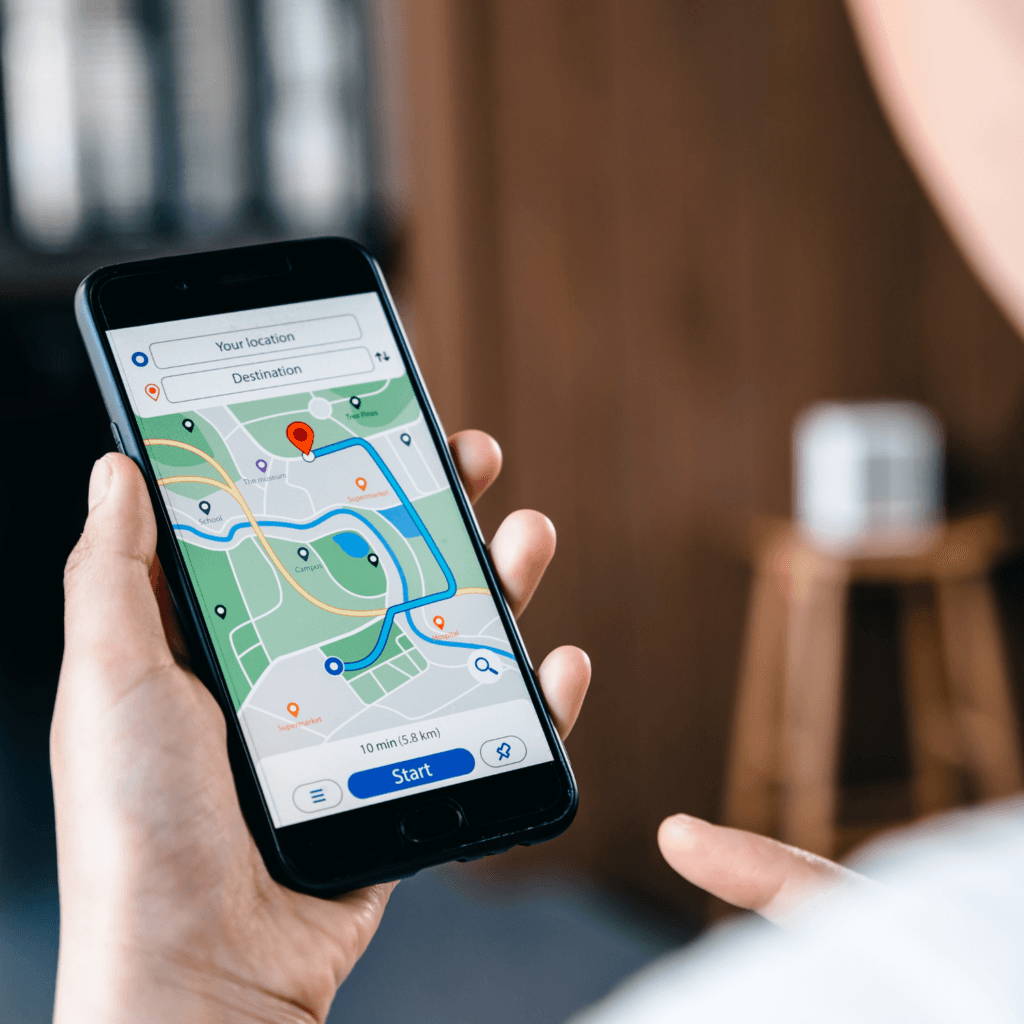
When people search for places to eat, drink or visit on Google Maps, one of the first things they notice is the photos on your Google Business Profile.
Before reading menus or reviews, most guests quickly scroll through images to decide:
- Does this place look welcoming?
- Can I imagine myself there?
- Does it look trustworthy and real?
For hospitality venues, photos often influence the decision within a few seconds.
A strong photo gallery can make your venue look inviting and easy to choose. A weak or outdated gallery can make guests hesitate and choose another place.
Below is a simple guide explaining why some hospitality venues look amazing on Google Maps – and others don’t – and what types of photos help guests confidently choose your venue.
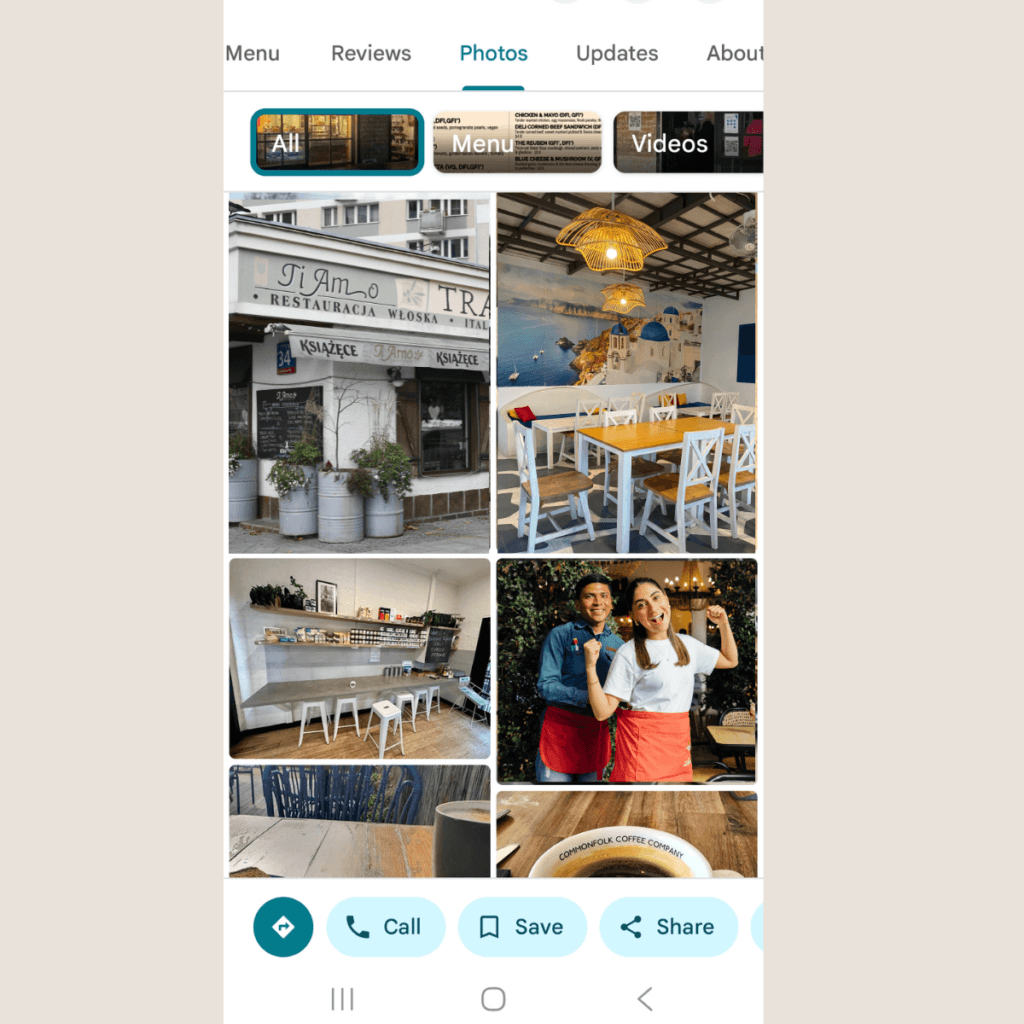
Why Photos Matter on Google Profile
When someone searches for a café, restaurant or winery on Google Maps, several venues usually appear side by side.
At that moment, people are not reading long descriptions. They are simply comparing a few things:
- the star rating
- reviews
- how close the venue is
- the overall atmosphere
- and especially the photos.
Photos help visitors quickly understand what kind of experience your place offers. In just a few seconds, they decide whether it looks like somewhere they would enjoy visiting.
Clear, welcoming images make it much easier for guests to imagine themselves there – sitting at the table, enjoying the view, or tasting a glass of wine.
Google also tends to favour photos that are real, clear and honest, because they help people recognise the venue when they arrive and feel confident that what they saw online matches the real experience.
Photos are often the first thing guests notice – but they’re quickly reinforced by your reviews and overall rating.
→ Read more: How to Get More Google Reviews Without Feeling Awkward
What Photos Work Best on Google Business Profile for Hospitality Venues
Google generally rewards photos that are:
- real images of your venue, team and food
- bright, sharp and easy to understand
- natural and not heavily edited
- free from heavy text overlays or filters
Authentic photos help both Google and visitors understand what the venue actually looks like.
For hospitality venues, several types of photos tend to perform particularly well.
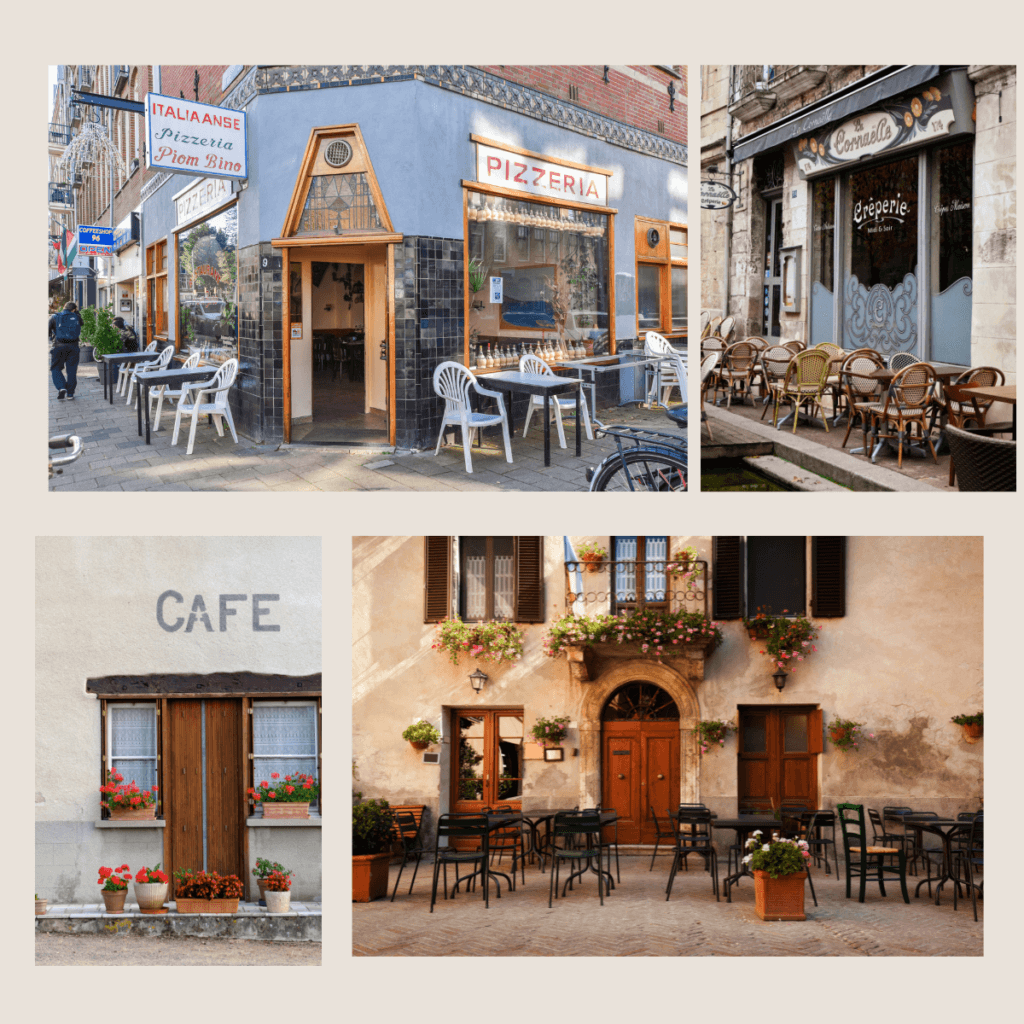
1. Exterior Photos Guests Can Recognise
Exterior photos help guests recognise your venue when they arrive.
Examples include:
- entrance of the venue
- signage or storefront
- building from the street
- daytime and evening versions
These photos may seem simple, but they are extremely useful.
Guests often search for a venue while travelling and rely on Google Maps to find the location. Clear entrance photos reduce the uncertainty of “Will I recognise the place when I get there?”
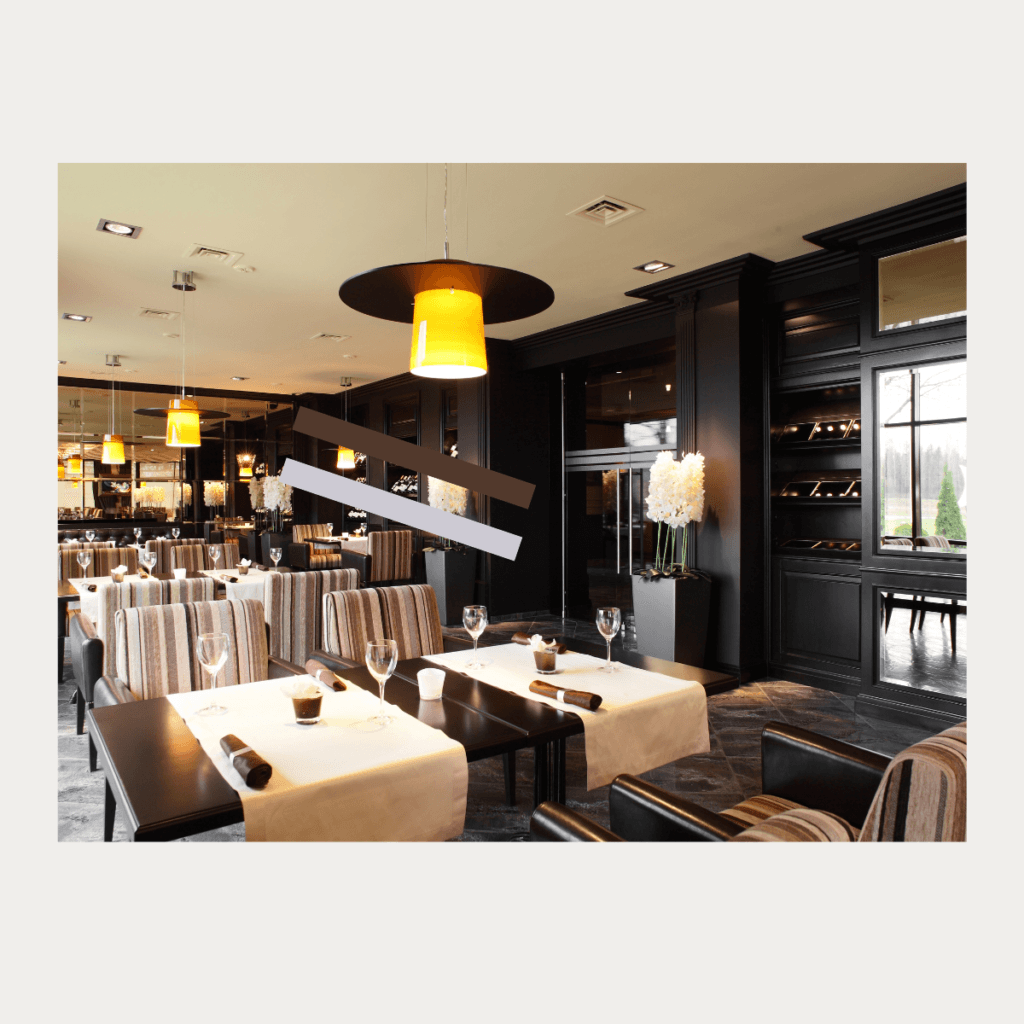
2. Interior Photos That Show Atmosphere
Interior photos help visitors understand the atmosphere of your venue.
Examples include:
- seating areas
- dining room layout
- bar or counter
- tasting room for wineries
- lighting and overall style
Guests often decide within seconds whether the venue feels:
- cosy
- elegant
- relaxed
- lively
Wide, well-lit photos showing the space clearly help visitors quickly understand the environment.
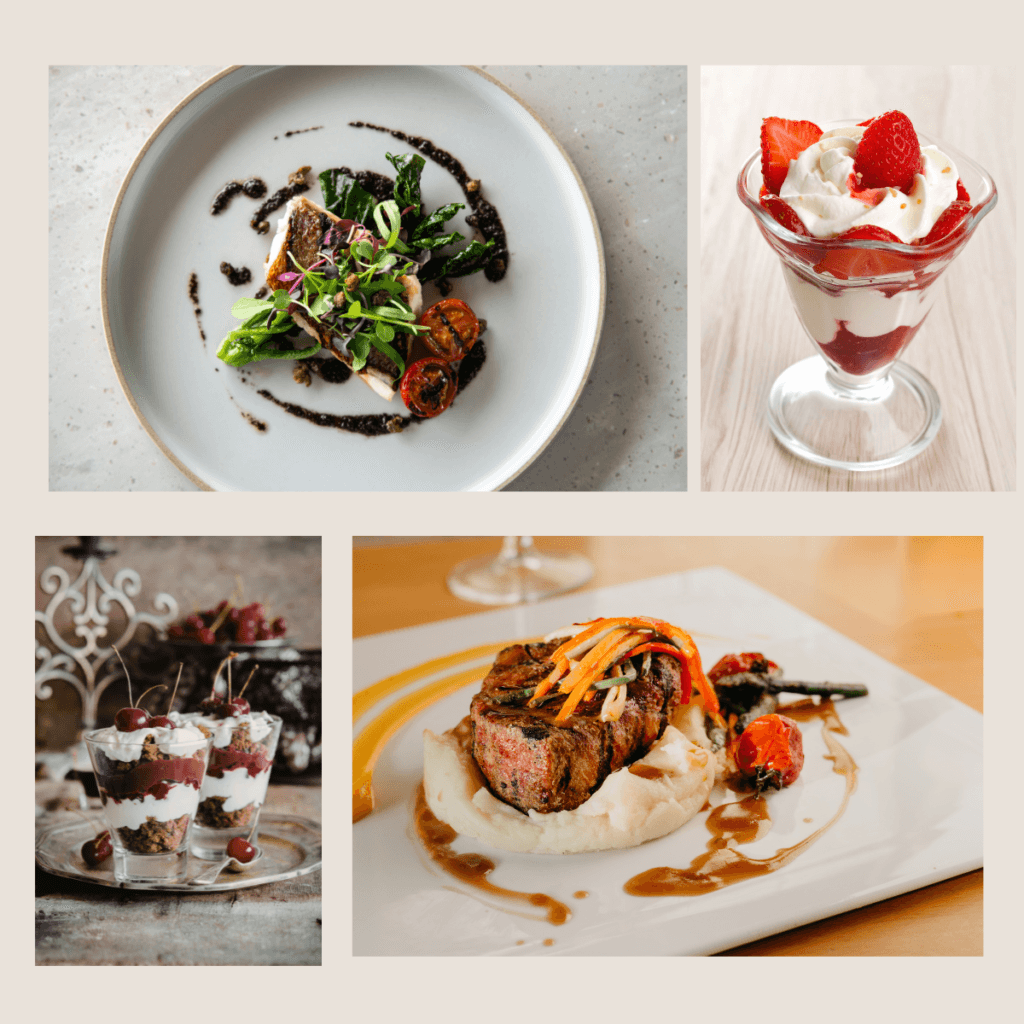
3. Food and Drink “Hero” Photos
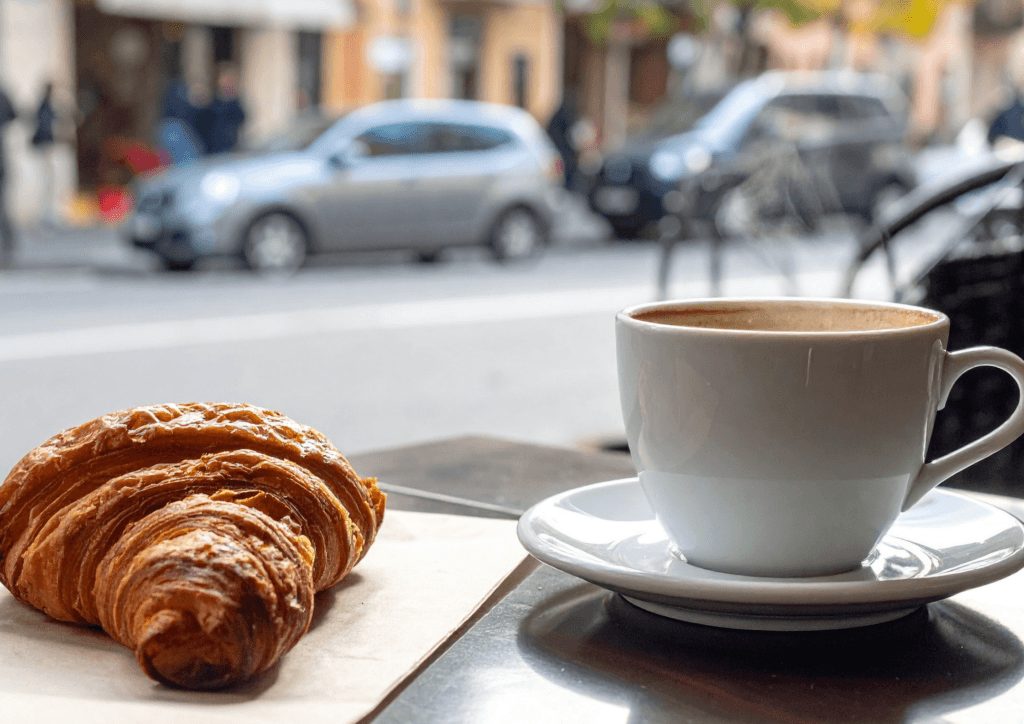
Food and drink images are often some of the most powerful photos in hospitality listings.
Examples include:
- signature dishes
- coffee or cocktails
- wine tasting flights
- desserts or small plates
These photos should be:
- bright and clear
- focused on the dish
- simple, with minimal clutter
High-quality food photos signal care and quality, which can strongly influence guest decisions.
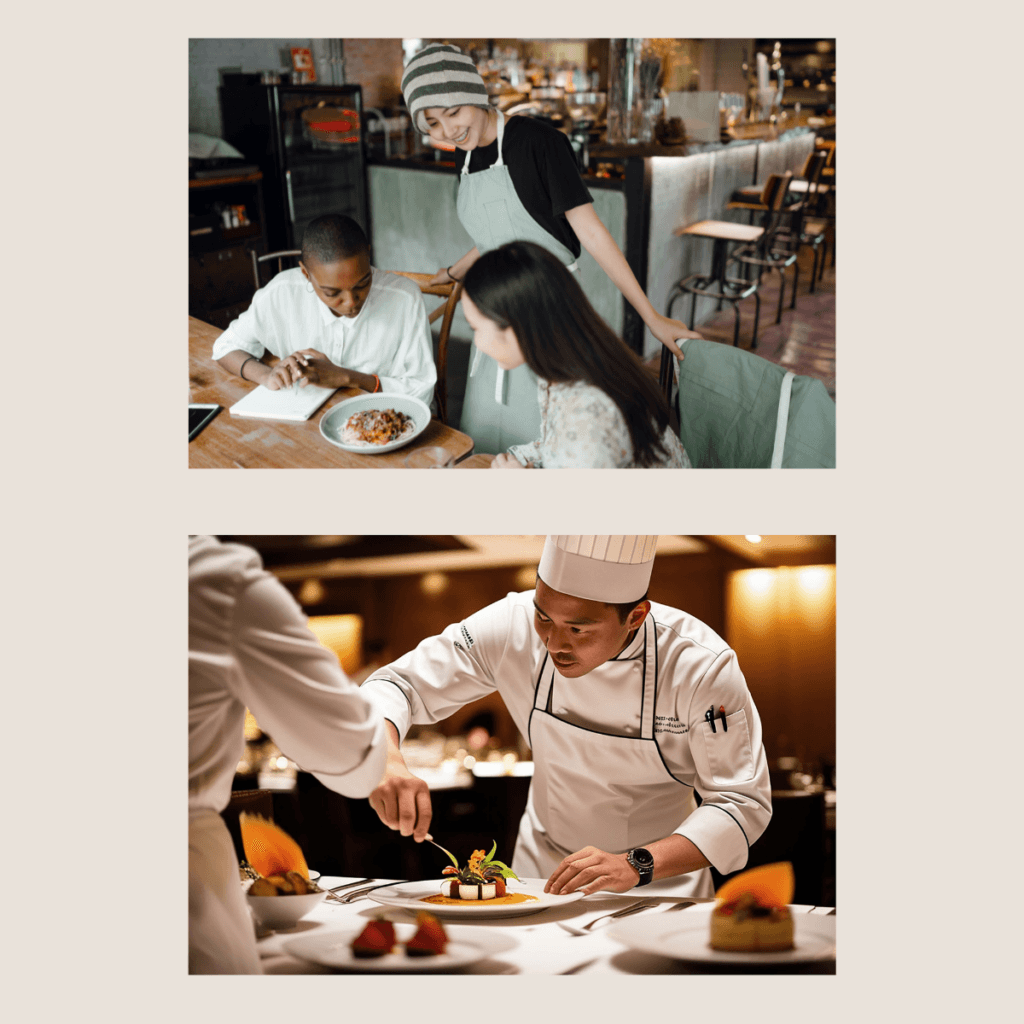
4. Team and Service Photos
Photos that include people help humanise your venue.
Examples include:
- chef plating dishes
- barista pouring coffee
- staff welcoming guests
- cellar door host pouring wine
Seeing the people behind the venue helps build trust and makes the place feel welcoming.
Profiles that include human moments often feel more authentic and engaging.
5. Experience and Storytelling Photos
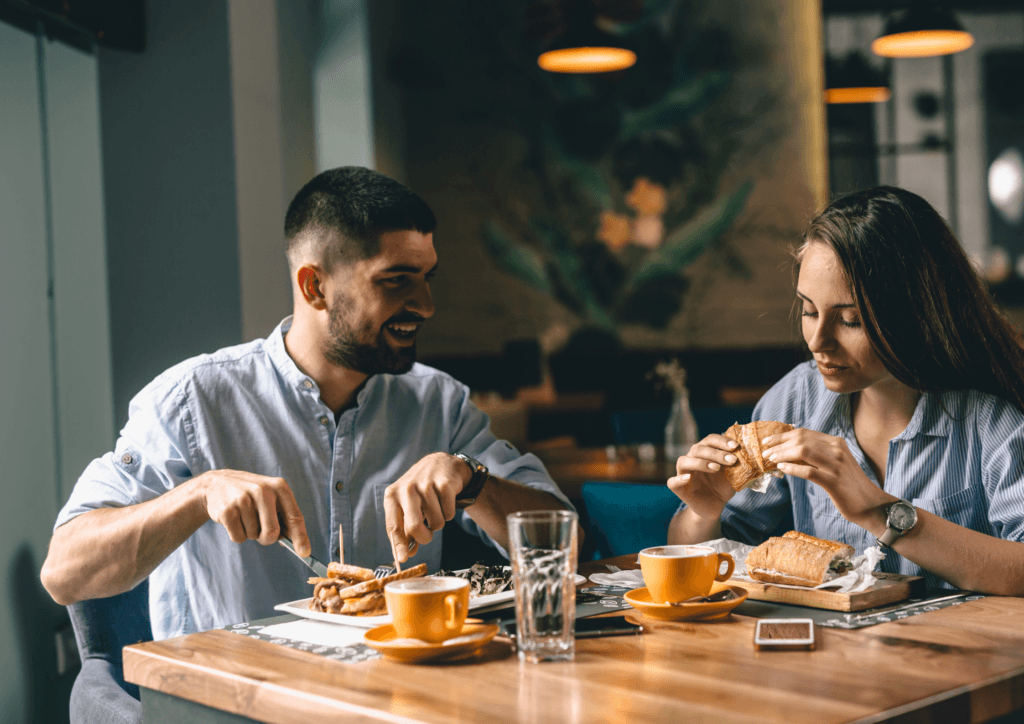
These images show what it feels like to visit the venue.
Examples include:
For restaurants:
- couples dining
- friends sharing plates
- candle-lit tables
For cafés:
- relaxed coffee scenes
- sunny outdoor seating
For wineries:
- guests tasting wine with vineyard views
- terrace seating overlooking vines
These photos help visitors imagine their own experience, which strongly influences their choice.
6. Practical Photos That Answer Guest Questions
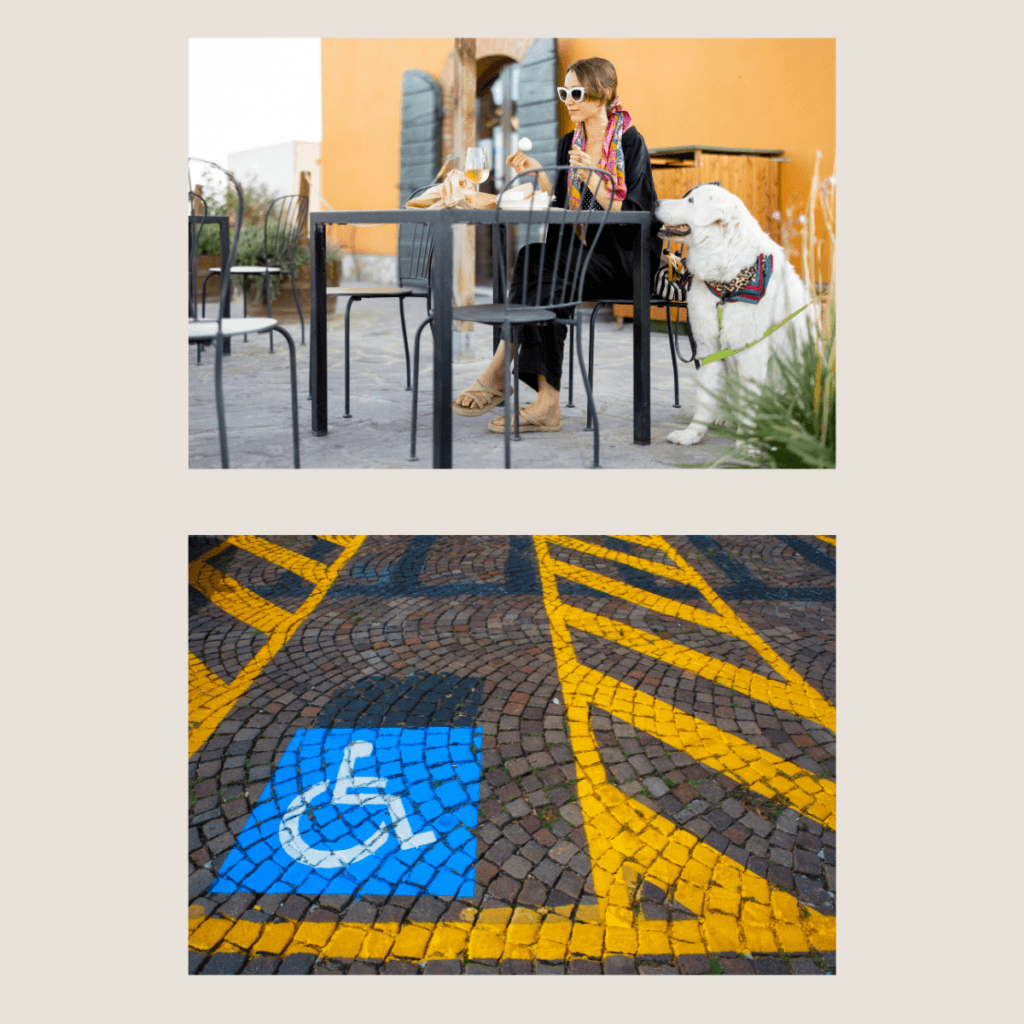
Some photos simply help visitors feel confident about visiting your venue.
These images show practical details that guests often want to know before deciding where to go.
Examples include:
- parking area or nearby parking
- entrance from the street
- outdoor seating or terrace
- accessible entry for wheelchairs or prams
- menu photos (if a digital menu is not linked)
- dog-friendly outdoor spaces
- family-friendly seating areas
- garden spaces or playgrounds
- group tables or large seating areas
These practical photos quietly answer common questions visitors have when they are comparing venues on Google Maps.
For example:
- Can I park easily?
- Is there outdoor seating?
- Is it dog-friendly?
- Is it suitable for families or groups?
- Is it accessible for prams or wheelchairs?
When guests can quickly see that the venue suits their needs, they feel more confident choosing it.
What Should Appear First in Your Photo Gallery
The first photos guests see on Google Maps are especially important.
Think of the first 8–12 photos as the moment when visitors decide whether your venue looks appealing.
A balanced first gallery often includes:
- A welcoming interior photo (for example: your dining room, tasting room, or seating area)
- A clear exterior entrance photo (your storefront, cellar door entrance, or signage visible from the street)
- One to three food or drink images (signature dishes, coffee, cocktails, wine tasting flights)
- A team or service photo (chef plating food, barista pouring coffee, cellar door host serving wine)
- A storytelling experience photo (guests enjoying dinner, friends sharing wine, people sitting on the terrace)
- A practical reassurance photo (outdoor seating, parking area, accessible entrance, group seating)
This combination helps visitors quickly understand:
- what the venue looks like
- what the experience feels like
- whether it suits their visit.
Photos don’t work in isolation. They support the overall story your profile tells – including how your venue is described.
→ Read more: How to Write a Google Business Profile Description That Gets More Bookings
Common Photo Mistakes Hospitality Venues Make
Many hospitality listings could look much stronger with just a few simple photo improvements.
Some of the most common issues I see include:
- dark or blurry photos
- very old images that no longer reflect the venue
- too many menu screenshots instead of real experience photos
- stock photos instead of images of the actual place
- heavy filters or text overlays that make the image look unnatural
Another thing many venue owners don’t realise is that if you don’t upload your own photos regularly, Google will simply show the most recent photos added by customers.
Customer photos can be great and authentic, but they are often taken quickly on a phone, sometimes in poor lighting or at busy moments. As a result, they don’t always show your venue at its best.
The strongest listings usually have a healthy mix of your own clear photos and genuine customer photos. Your images help present the venue clearly, while guest photos add authenticity and real visitor experiences.
Google generally prefers photos that are real, clear and representative of the actual venue, helping both the search system and potential guests understand what your place is really like.
How Often Should Hospitality Venues Add New Photos?
You don’t need to upload photos every day, but adding new images regularly helps keep your listing active and relevant.
Both guests and Google notice when a venue shares recent photos. When the most recent image is from several years ago, visitors may hesitate and wonder if the venue has changed or is even still open.
A good approach is to upload 3–5 new photos every couple of weeks. This steady activity helps your Google Business Profile look current without overwhelming you with constant updates.
In practice, many hospitality venues simply take a small batch of photos during normal service and upload them gradually. For some of the venues I support, I typically add 2–3 new photos each week to keep the listing feeling fresh and active.
Good moments to add new photos include:
- seasonal menu changes or new dishes
- new drinks, cocktails or wine releases
- a fresh look at the dining room or terrace
- events, live music or busy evenings
- harvest season or vineyard views for wineries
- staff preparing for service or welcoming guests
Try to rotate between three simple themes:
- the product (food, drinks, wine)
- the atmosphere (interior, terrace, vineyard views)
- the people (team members preparing or serving)
Regular updates show both guests and Google that the venue is active and welcoming, helping people feel confident choosing your place when they are deciding where to go.
Most venues already have enough photos = they just need to organise and update them properly.
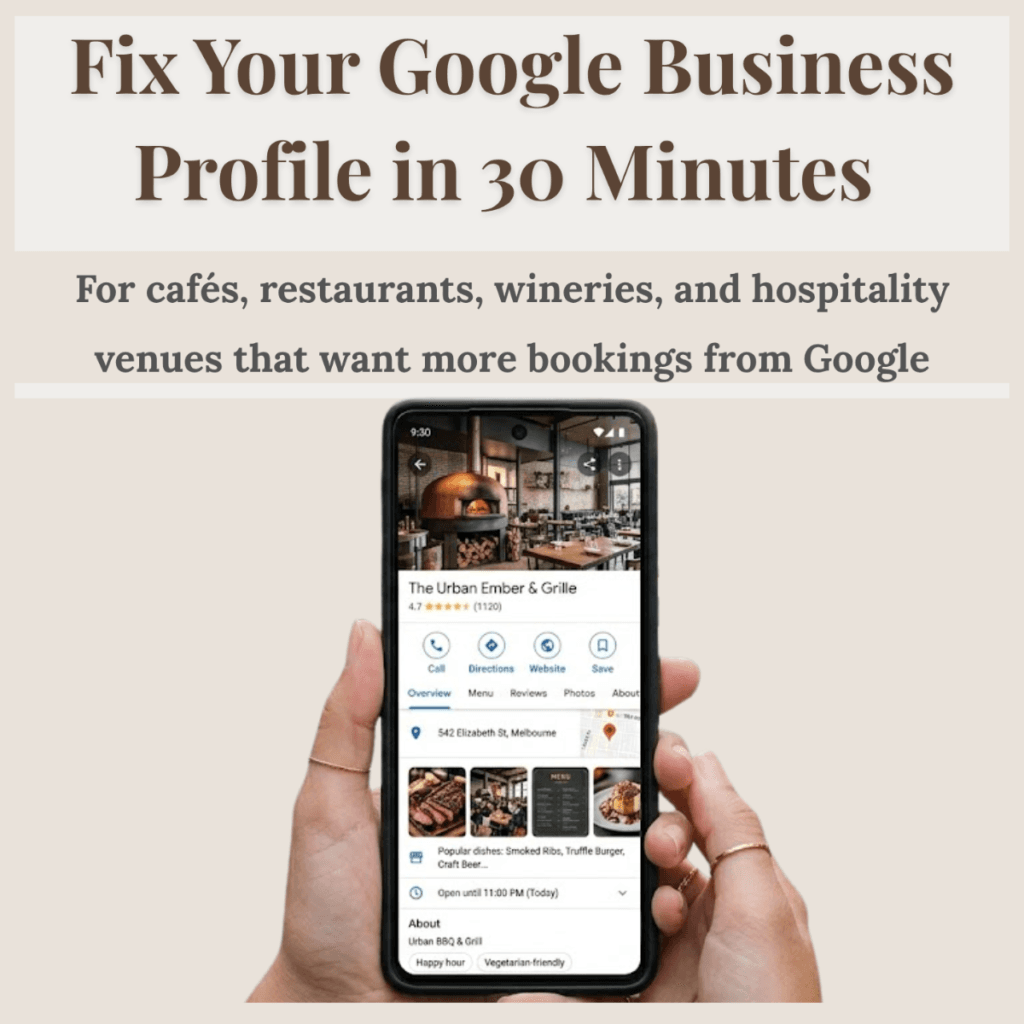
If you want a simple checklist of what to remove, add, and prioritise, you can use this:
→ Fix Your Google Business Profile in 30 Minutes
When It Helps to Review Your Photo Strategy
Many hospitality venues upload photos from time to time, but they rarely stop to look at their listing the way a guest would.
As a result, the first photos visitors see are not always the ones that best represent the venue.
When reviewing hospitality listings, I often notice small opportunities to improve how the place appears online. For example:
- adjusting the order of photos so the best images appear first
- adding clearer photos of the entrance or exterior
- including more atmosphere or experience shots
- updating older photos that no longer reflect the venue
Even small changes like these can make a listing feel much more welcoming and help guests quickly understand what the experience will be like when they visit.
If your profile feels outdated or unclear, you can go through a simple step-by-step process designed for hospitality venues.
→ Fix Your Google Business Profile in 30 Minutes
Explore Visibility Support by Venue
Cafés, restaurants and wineries often need slightly different approaches when improving how they appear on Google Maps.
If you’d like to explore how visibility works for your venue type:
• Café google profile optimisation
• Restaurant visibility help
• Winery google maps help
If you’re unsure whether you need help, this guide may help: Should you hire someone to manage your Google Business Profile?
Frequently Asked Questions
Do photos help Google Maps visibility?
Yes. Listings with more high-quality photos usually receive significantly more calls and direction requests because guests can clearly see the experience your venue offers. Regular photo updates also signal to Google that the business is active and relevant, which can help the listing appear more prominently in search results.
How many photos should a hospitality venue upload?
A strong hospitality listing usually has at least 30–100 photos showing different aspects of the venue. Instead of uploading many photos once a year, it is better to add 3-5 new photos every couple of weeks. Regular updates keep the listing looking active and reassure guests that the experience they see online reflects what they will find when they visit.
Should restaurants and cafés use professional photography?
You don’t need professional photography for your Google profile. Clear, natural photos taken in good light often feel more real – and can work just as well, especially when they reflect the current experience.
Can outdated photos affect how guests choose a venue?
Yes. Old or unclear photos may create hesitation. Keeping your photo gallery updated helps your listing feel current and welcoming.
Final Thought
Photos are one of the simplest ways hospitality venues can improve how they appear on Google Maps.
Clear, honest and welcoming images help guests quickly understand the experience your venue offers and feel confident choosing it when planning their visit.
If you’re unsure how your venue currently appears to guests online, reviewing your listing from a visitor’s perspective can often reveal small improvements that make a meaningful difference.
If you’d like to explore more about what influences guests’ decisions on Google Maps, you can review these Google Business Profile visibility examples for hospitality venues.
Curious How Your Venue Appears on Google Maps?
If you’d like to understand how your venue currently appears to guests when they search on Google Maps, you’re welcome to request a visibility review.
I offer a free visibility check for hospitality venues across Victoria.
About the Author
Weronika Atkins works with cafés, restaurants and wineries across Victoria, helping hospitality venues maintain a clear and welcoming presence on Google Maps through thoughtful Google Business Profile management.
Her work focuses on helping guests confidently choose a venue before they arrive.
Learn more about my hospitality visibility approach.
Pingback: Best Google Business Profile Updates for Cafés, Restaurants and Wineries
Pingback: Why Guests Skip Your Restaurant on Google Maps
Pingback: How to Set Up a Google Business Profile for a Café in Melbourne
Pingback: How to Set Up a Google Business Profile for your Winery
Pingback: How to Optimise Google Business Profile for a Restaurant (Australia Guide)
Pingback: Why Your Restaurant Isn't on Google Maps? And How to Fix It Fast