Why Your Restaurant Isn’t on Google Maps? And How to Fix It Fast
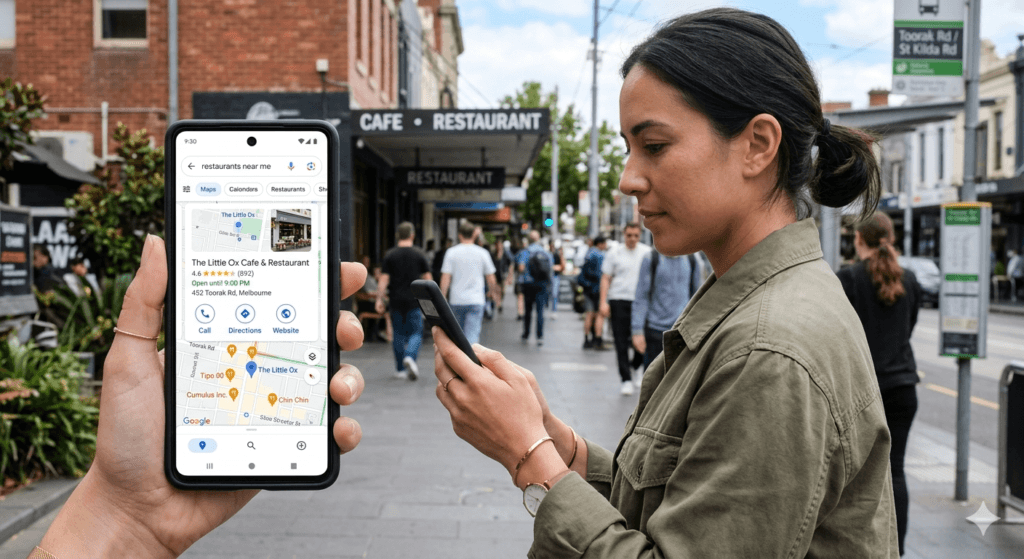
If someone searches “restaurant near me” or “café in Ringwood”, your venue should appear on Google Maps.
But many hospitality owners discover something worrying:
Your restaurant doesn’t appear – or it appears very low in the results.
Most of the time, it’s not because your venue isn’t good. It’s because your Google Business Profile has a technical or visibility problem.
The good news: most of these issues can be fixed.
Below are the most common reasons I see when reviewing hospitality listings.
Common Reasons a Restaurant Isn’t Showing on Google Maps
From working with hospitality venues, these are the problems I see most often.
In most cases, it’s not one big issue —
it’s a combination of small things that affect how clearly Google understands and trusts your restaurant.
1. Your listing is not fully verified
If your listing isn’t properly verified, Google may not trust it enough to show it in search results.
This can happen when:
- the verification postcard was never completed
- the business changed ownership
- the original account managing the listing was lost
Without full verification, visibility is often very limited.
2. Wrong or unclear categories
Categories tell Google what type of venue you are — and when to show you.
For example:
- Restaurant
- Café
- Wine Bar
- Pizza Restaurant
- Breakfast Restaurant
If your category is too broad or not quite right, Google may show more relevant venues instead.
This is one of the most common issues I see in hospitality profiles.
3. The listing was suspended or restricted
Sometimes Google suspends a profile if something looks unusual or inconsistent.
Common reasons include:
- frequent changes to address or details
- guideline issues
- unclear or shared locations
- mismatched business information
When this happens, your restaurant may disappear completely from Google Maps.
👉 READ MORE:
7 Reasons Your Google Business Profile Gets Suspended in Australia (And How to Fix It)
4. Duplicate listings
Sometimes a restaurant appears more than once on Google.
This can happen if:
- a second profile was created by mistake
- an old listing still exists
- someone else added the business
When there are duplicates:
- visibility can be split
- reviews may be divided
- neither listing performs as well as it should
It’s worth searching your restaurant name + suburb on Google Maps to check.
5. Address or location mismatch
Google compares your business details across multiple sources.
If your address or contact details differ between:
- your website
- Google profile
- booking platforms
- directories
Google may lose confidence in the listing.
Even small inconsistencies can affect visibility over time.
6. Incorrect map pin location
Even if your address is correct, the map pin itself may be slightly off.
This can make it harder for:
- Google to confidently show your location
- guests to find your entrance
For hospitality venues, especially in busy areas, this matters more than most people realise.
7. A new or recently updated listing
If your restaurant was recently added or reverified, it may take time to appear consistently.
Google needs time to:
- process the information
- build trust in the listing
In the first few weeks, visibility can be limited.
Adding photos, completing details, and getting a few reviews can help speed this up.
8. Low activity on the profile
Google tends to show venues that look active and up to date.
Profiles that haven’t been updated in a while can gradually lose visibility.
Common signals Google looks for:
- recent photos
- posts or updates
- updated menus
- review responses
Many excellent restaurants simply look inactive online – even though they’re busy in real life.
9. Inconsistent business name or details
Your business name, address, and phone number should be consistent everywhere online.
If they vary across platforms, Google may become uncertain about your business.
This doesn’t always cause a complete drop – but it can weaken your visibility over time.
Why listings sometimes disappear – and why it’s happening more often
This is worth knowing because it catches a lot of venue owners off guard.
In the last two years, Google has significantly increased its use of automated systems to review and manage business listings. These systems run continuously – and they don’t always distinguish cleanly between a fake listing and a real restaurant that has something inconsistent on its profile.
The result is that legitimate, operating venues are being suspended or removed from Maps without clear warning and without explanation.
Suspension reports increased by over 80%. When these spikes happen – often after Google updates its enforcement systems – appeal times blow out significantly too.
For restaurants, the most common automated triggers aren’t obvious violations. They’re things like your trading name not matching your legal name exactly, a recent edit to your address or phone number prompting a re-review, duplicate listings at the same address from a previous business, or a profile that’s been inactive long enough to look uncertain to Google’s systems.
The frustrating part is that Google rarely tells you why. You might simply notice your restaurant has stopped appearing – and without knowing what triggered it, it’s hard to know where to start.
If your listing has disappeared completely and you think a suspension may be involved, there’s more detail on what to do here: 7 Reasons Your Google Business Profile Gets Suspended in Australia (And How to Fix It)
How to Fix a Restaurant Not Showing on Google Maps
If your restaurant isn’t showing clearly on Google Maps, the goal is not to fix everything at once.
It’s to restore clarity and trust step by step.
Start with the essentials below.
1. Confirm your listing is verified
Go to your Google Business Profile and check that your listing is fully verified.
If it isn’t:
- complete the verification process
- make sure you still have access to the correct account
Without verification, your restaurant may not appear properly at all.
2. Check for duplicate listings
Search your restaurant name and suburb on Google Maps.
If you see more than one listing:
- identify which one is correct
- request removal or merging of duplicates
This helps consolidate your visibility and reviews into one strong profile.
3. Review your main category
Look at your primary category and ask:
Is it specific enough for how guests would search?
Instead of just:
- Restaurant
Use something more precise, such as:
- Italian Restaurant
- Wine Bar
- Breakfast Restaurant
This helps Google understand when to show your venue.
4. Check your address and map pin
Make sure:
- your address is accurate
- your map pin is placed correctly
Even small misalignment can affect both visibility and guest experience.
5. Align your business details everywhere
Check that your:
- business name
- address
- phone number
are consistent across:
- your website
- booking platforms
- social media
- directories
Consistency helps Google trust your listing.
6. Complete your profile properly
Fill in all key details, including:
- opening hours (including public holidays)
- menu or service information
- attributes (dine-in, takeaway, bookings)
- description
A complete profile gives Google more confidence to show your restaurant.
7. Add a few recent updates
If your profile hasn’t been updated in a while, start small:
- upload 3–5 recent photos
- post one simple update
- refresh your menu if needed
This signals that your restaurant is active and current.
If you want a deeper breakdown of what to update regularly, you can read:
👉 Google Business Profile Updates for Hospitality
8. Encourage a few new reviews
You don’t need dozens at once.
Even a small number of recent reviews can help:
- rebuild trust
- improve visibility signals
Focus on making it easy for happy guests to leave one.
9. Give it a little time
After making changes, your listing may not update instantly.
Google often takes:
- a few days
- sometimes a couple of weeks
to reflect improvements in visibility.
A simple way to think about it
Most restaurants don’t disappear because of one major issue.
It’s usually:
- small inconsistencies
- lack of recent activity
- unclear signals
When those are corrected, visibility tends to return naturally.
If you’d rather not figure it out alone
If you’re unsure what’s affecting your listing, or don’t have time to go through everything:
I offer a simple way to review and fix it with you — clearly and without pressure.
👉 https://veronikapresence.com.au/services
If you’d rather not piece this together yourself, I’ve created a simple step-by-step guide covering exactly what to fix first on your profile – including reviews, photos, and key details. → Fix Your Google Business Profile in 30 Minutes
How to Check if Your Listing Is Healthy
Here are a few quick things you can check today.
Search your own venue name in Google and ask:
Does the profile show correct:
- opening hours
- photos
- menu
- website
- phone number
Then search something like:
“restaurant near me”
or
“best café in [your suburb]”
See where your venue appears.
If you cannot find it easily, your listing may need visibility improvements.
As someone who reviews Google listings for hospitality venues, I often see restaurants missing simple opportunities to improve their visibility.
5 Steps to Improve Your Google Business Profile Visibility
These small actions often make a big difference.
1. Confirm your listing is verified
Log in to your Google Business Profile account and check verification status.
2. Review your business categories
Make sure your main category truly describes your venue.
For example:
- Restaurant
- Café
- Italian restaurant
- Winery
- Wine bar
Secondary categories can also help Google understand what you offer.
3. Update your photos regularly
Photos strongly influence both visibility and customer choice.
Try to add:
- food photos
- interior atmosphere
- drinks
- team moments
- outdoor seating
A healthy profile usually adds new photos every month.
READ MORE: What Photos Work Best on Google Business Profile for Hospitality Venues
4. Respond to reviews
Google notices when businesses respond to reviews.
This shows:
- engagement
- trust
- customer care
Even simple responses help.
If you want something practical you can set up quickly, I’ve created a simple system specifically for hospitality venues:
👉 Get More Google Reviews Without Awkward Asking
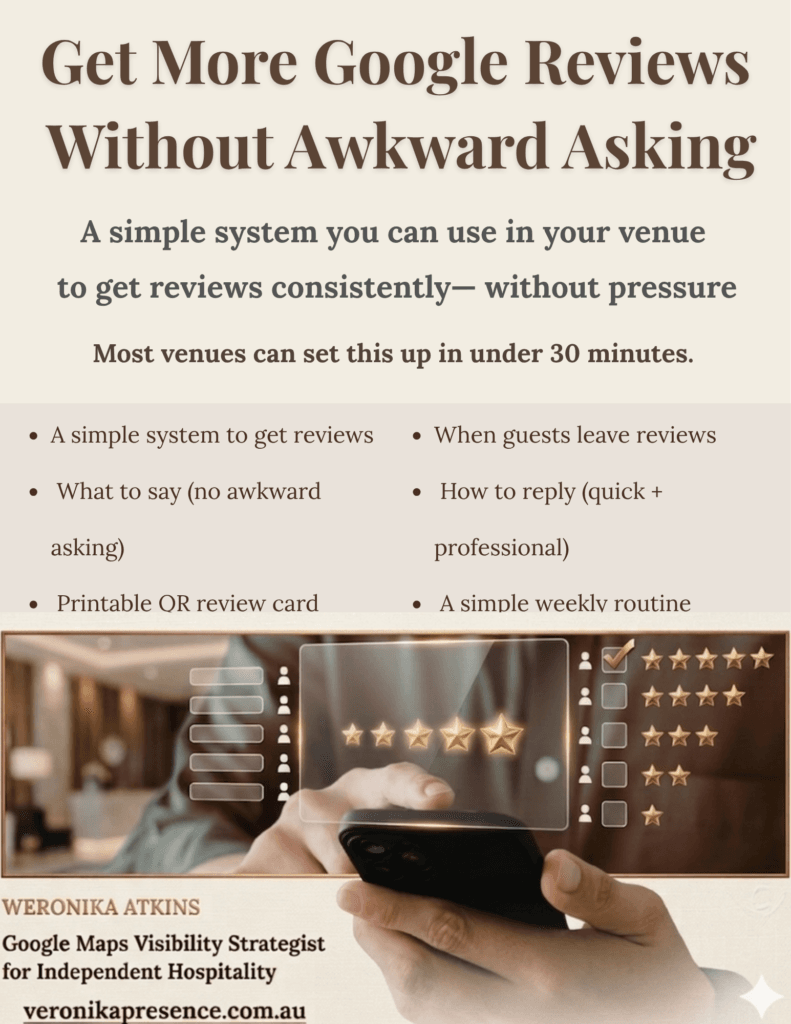
It’s not about chasing reviews – it’s about making it easy for happy guests to respond to a good experience.
You can also read more here:
👉 How to Get More Google Reviews for Your Restaurant
5. Keep your listing active
Profiles that receive regular updates appear more “alive”.
For example:
- weekly updates
- new menu photos
- seasonal dishes
- events
Small consistent updates can improve how your venue appears online.
Free Checklist for Restaurant Owners
If you’d like to quickly review your Google listing, I’ve created a simple Restaurant Visibility Checklist.
It helps you check:
- verification
- photos
- reviews
- categories
- activity signals
You can download it here:
When It Helps to Ask a Specialist to Review Your Listing
Many hospitality owners simply don’t have time to analyse how their venue appears online.
But small issues can create hesitation when guests compare places on Google.
When I review a venue’s profile, I often find things like:
- missing categories
- outdated photos
- weak search signals
- incomplete information
- visibility issues compared to competitors
Fixing these details can help your venue appear stronger when guests are choosing where to go.
If you’d like to understand how your restaurant currently appears to visitors searching on Google Maps, you’re welcome to request a visibility check or learn more about how I support restaurants.
If you’re unsure whether you need help, this guide may help: Should you hire someone to manage your Google Business Profile?
FAQ
Why is my restaurant not showing on Google Maps?
The most common reasons are an unverified Google Business Profile, incorrect categories, inconsistent address details, or a profile that has become inactive.
If Google cannot clearly understand or trust the listing, it may not show it in local search results.
How long does it take for my restaurant to appear on Google Maps?
If your Google Business Profile is verified and correct, it usually appears within a few days.
However, improving visibility in search results can take a few weeks, depending on reviews, activity, and local competition.
Can a restaurant disappear from Google Maps?
Yes. Listings sometimes disappear if they are suspended, unverified, or contain incorrect information.
Major edits, such as address changes can also temporarily affect visibility.
How can I rank higher than nearby restaurants on Google Maps?
Google mainly looks at three things:
✔️ relevance of your listing
✔️distance from the searcher
✔️prominence (reviews, photos, activity)
Regular updates, new photos, and responding to reviews can improve visibility over time.
Free Visibility Check
If you run a café, restaurant, or winery and would like a quick review of how your venue appears on Google, you’re welcome to request a free visibility check.
I’ll share a few practical observations about:
- how your listing currently appears
- where guests may hesitate
- simple improvements that can strengthen your presence.
If your venue is located in Victoria, I also offer ongoing support for hospitality businesses.
If you’re located elsewhere in Australia, I offer online consultations to help you improve your Google presence.
👉 Request your visibility check
I specialise in online presence care for hospitality venues across Victoria.
About the Author
Weronika Atkins works with cafés, restaurants, and wineries across Victoria, focusing on Google Business Profile clarity and hospitality visibility support.
Learn more about my hospitality visibility approach.
READ NEXT
Why Guests Skip Your Restaurant on Google Maps (Even If Your Food Is Great)